Features
Everything a small home runs on, in one place.
The med pass, resident care, staff and the home’s records, built on Arizona’s assisted living rules. A phone for the care, a desk for the paperwork.
Medications · R9-10-817
A med pass built for the hallway.
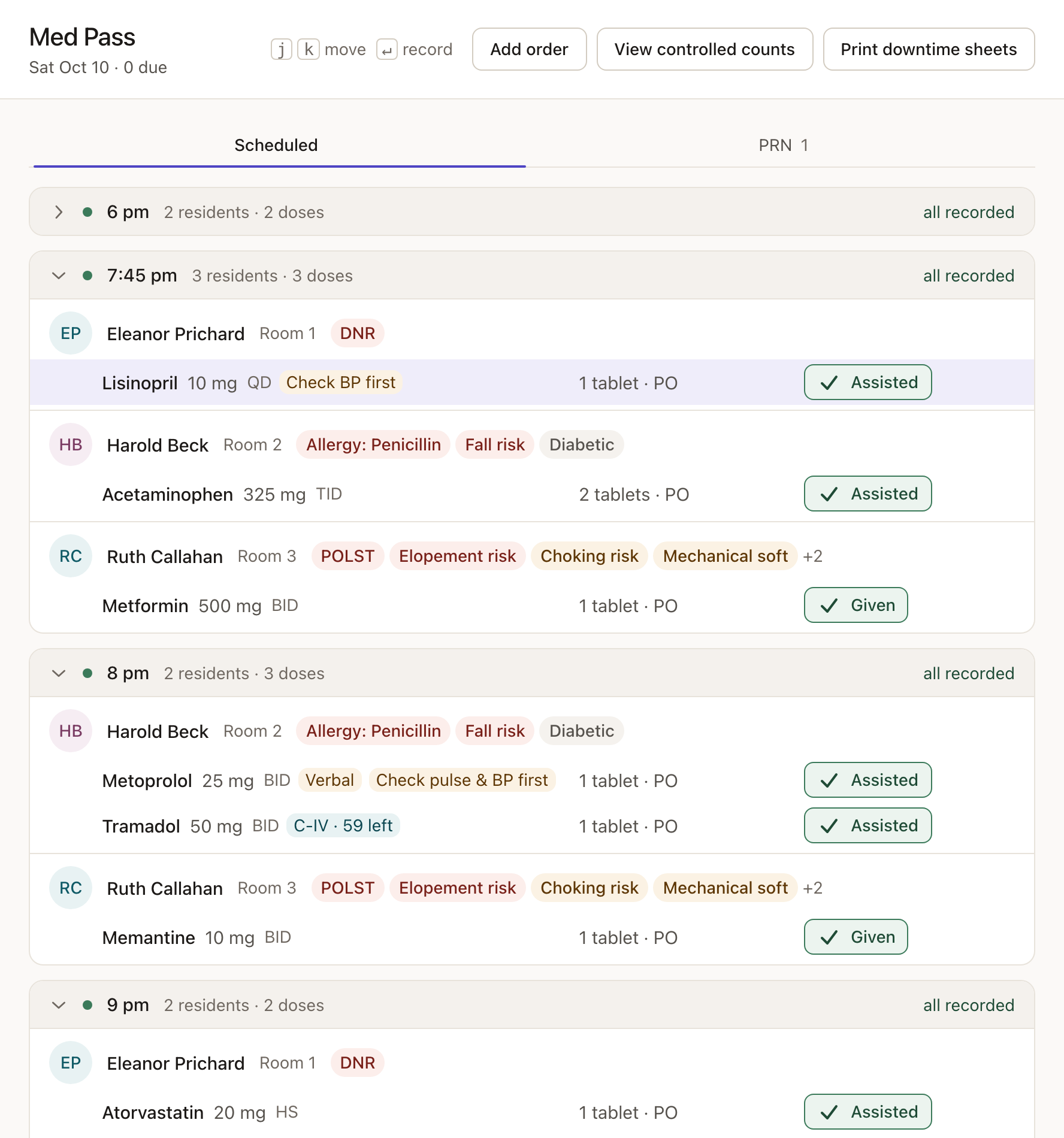
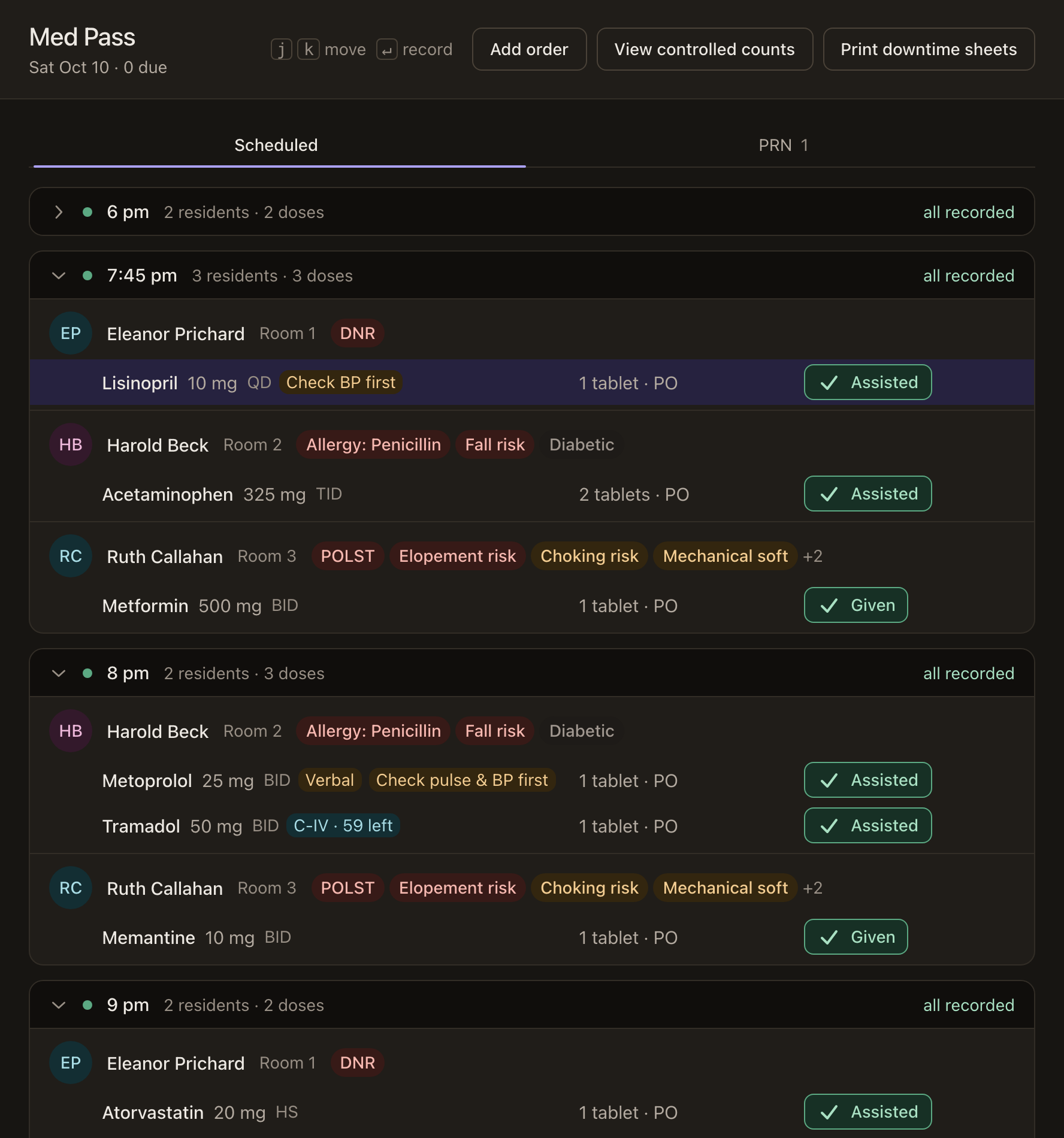
Doses are grouped by time and by resident, with allergies, risks and the order’s instructions beside each one. Every dose is confirmed as it’s recorded, so the record is the same on every phone in the home. Orders come in from the pharmacy’s MAR, a scanned order, or a typed or handwritten list.
- Administration and assistance with self-administration, kept apart as the rules require
- As-needed (PRN) doses with the reason, the minimum gap and the daily limit
- Verbal orders tracked to their written copy, due within 14 days
- Controlled medication counts, kept with the record
- Printable downtime sheets for the day the internet goes out
Why it matters: the medication record is the heart of a survey. A missed or doubled dose shows at once, with a name on it.
Residents · R9-10-807
Each resident’s file, laid out like the binder.
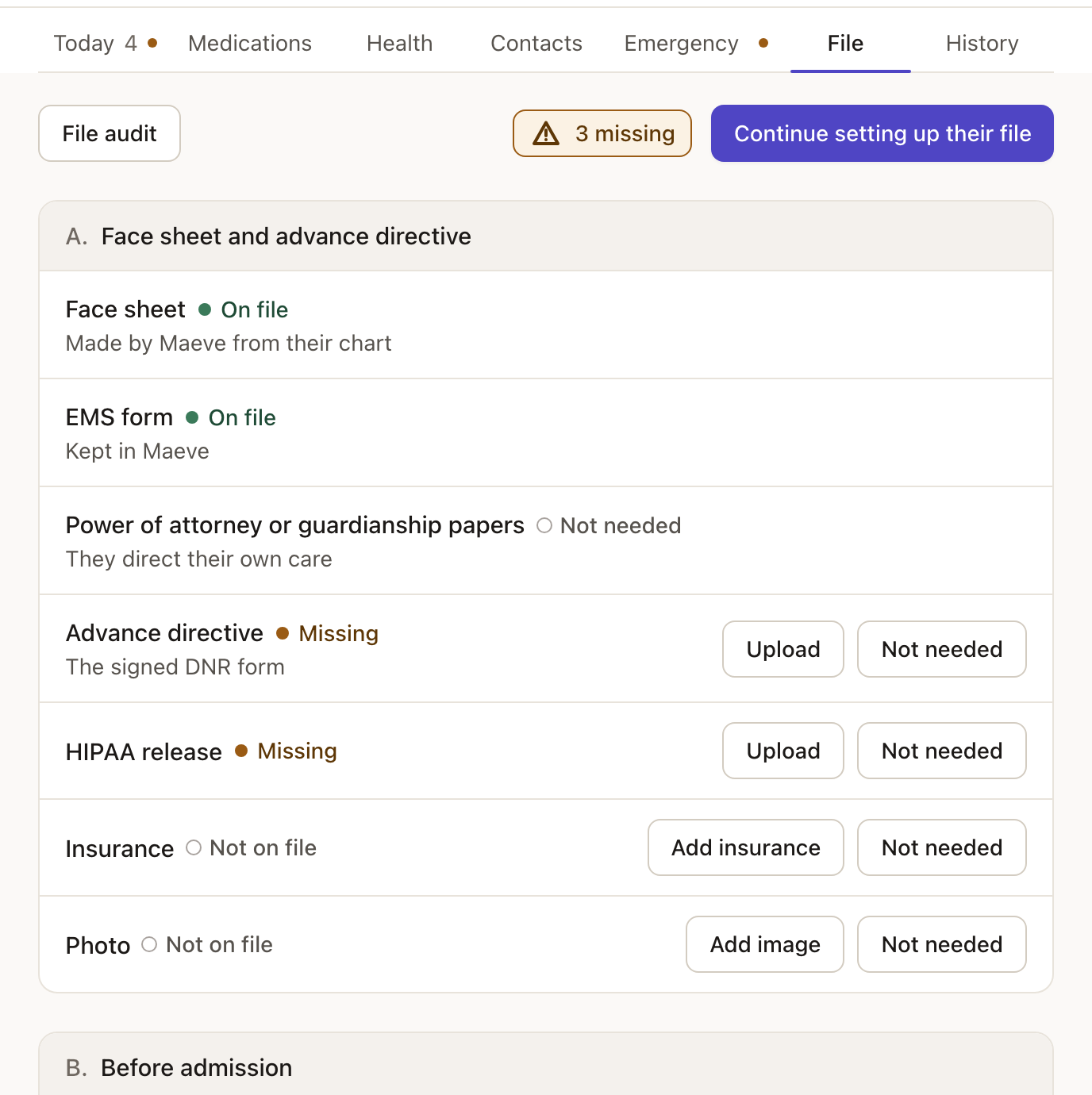
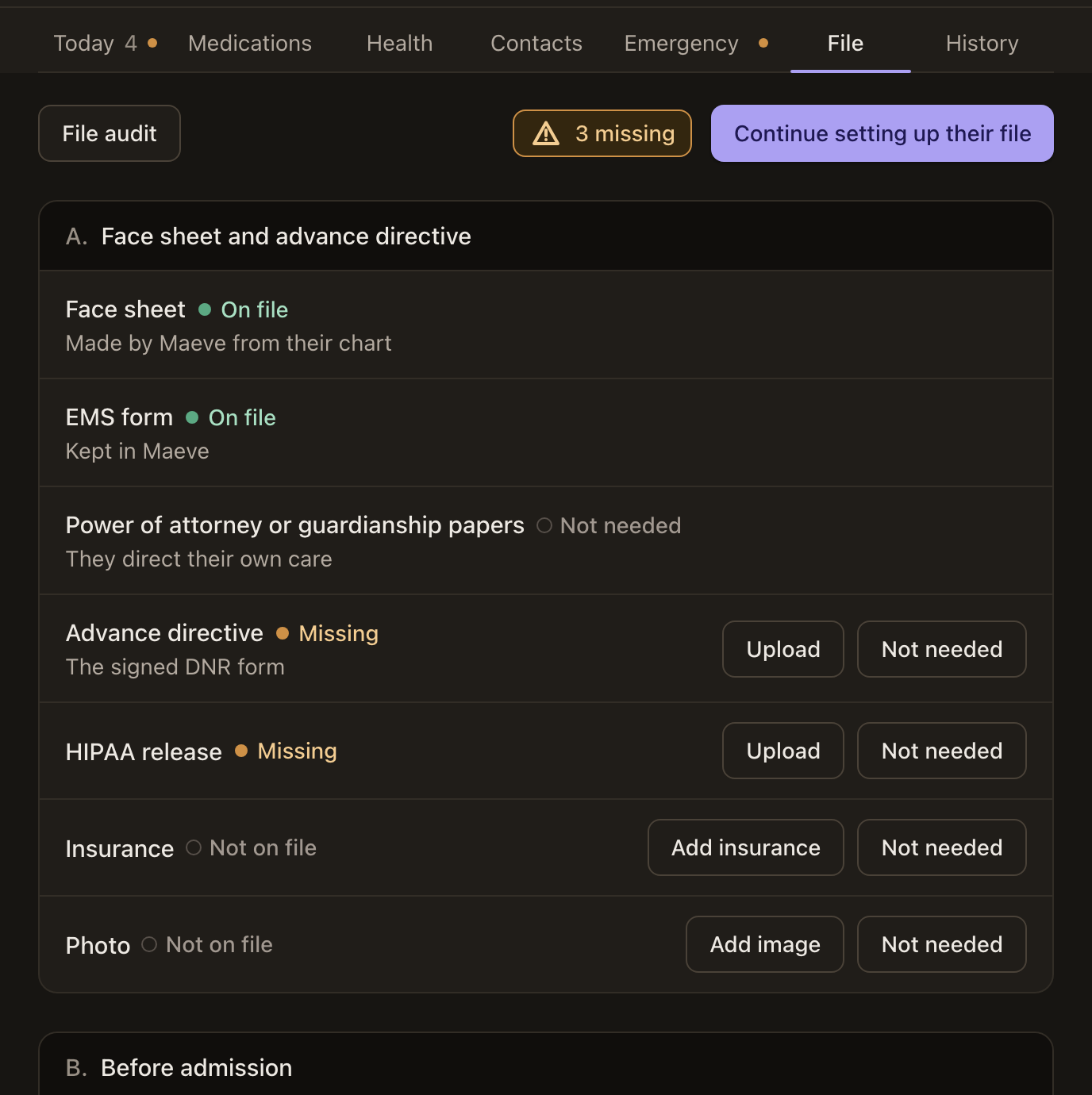
The File tab lists every paper by binder section and says which are on file, missing or not needed. Diagnoses come from the ICD-10 list as you type, and an insurance card fills itself in from its picture. The Emergency tab holds the EMS form, the code status and who to call.
- Service plans reviewed on each care level’s cycle, and after a significant change
- Face sheet and EMS transfer form, ready to print with your logo
- Vital signs, activities of daily living and meals, recorded as they happen
Why it matters: a chart with a paper missing is a citation. The File tab shows the gap before the surveyor does.
Staff · R9-10-806
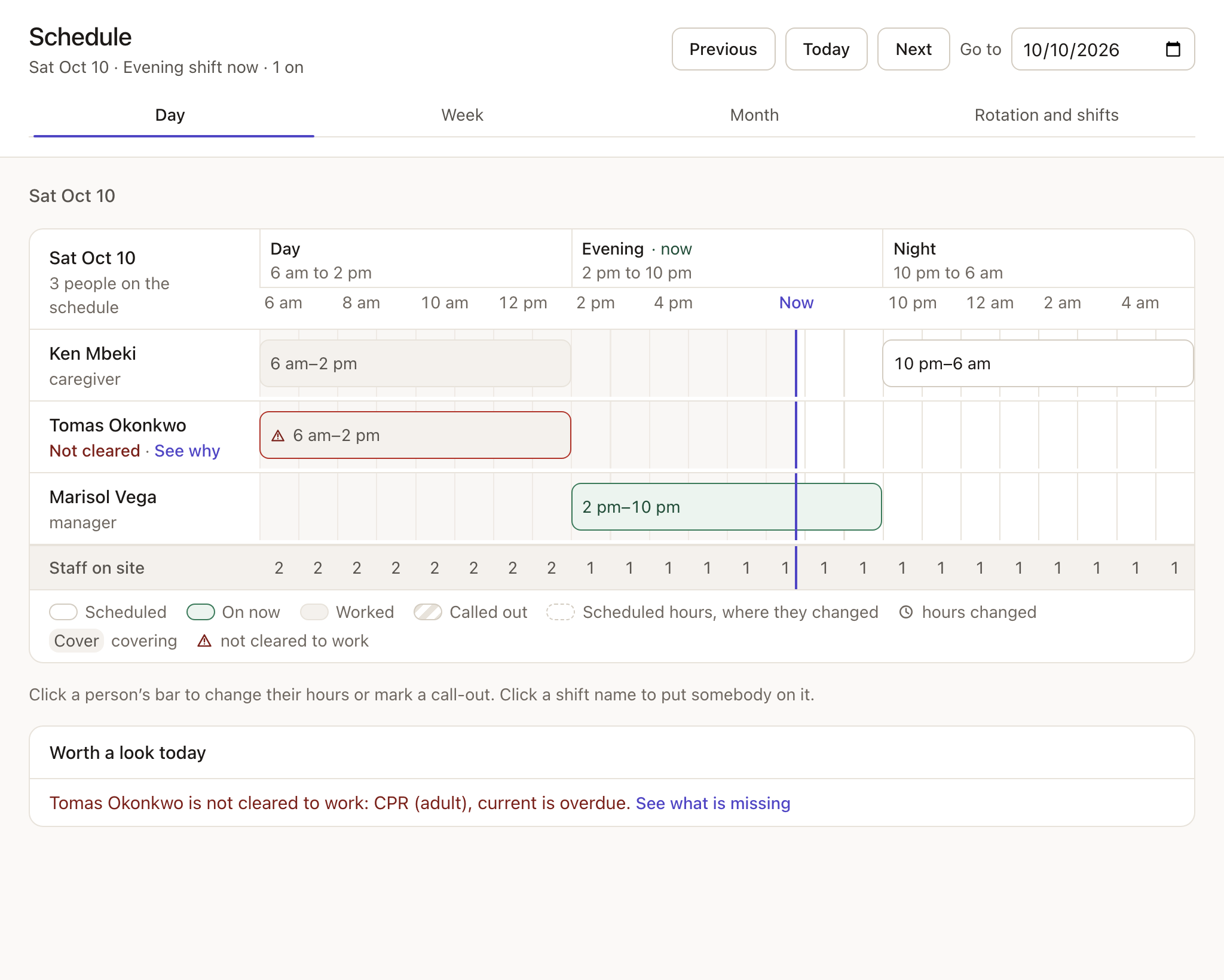
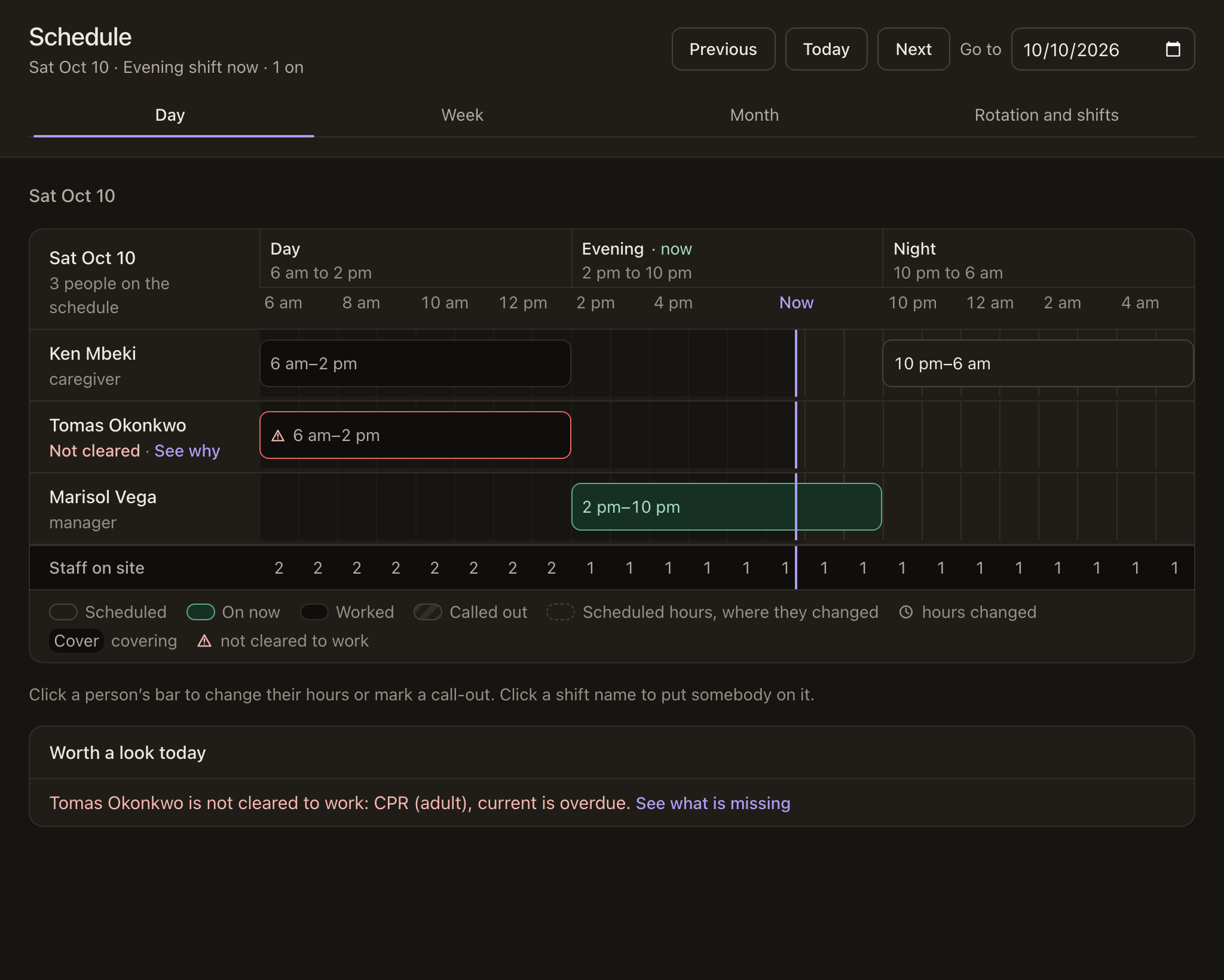
Nobody works a shift they aren’t cleared for.
A caregiver on shift with a lapsed card is a citation, and the card is usually in a drawer. Maeve keeps each caregiver’s training, CPR and first aid, TB screening, fingerprint card and Adult Protective Services check with its expiration date. When one lapses, it says why, and that person can’t be scheduled until it’s renewed.
- Renew from the expiration date, with the camera taking both sides of the card
- Job titles with their ADHS meaning: manager, caregiver in charge, caregiver
- The schedule by day, week or month, with call-outs and cover
Why it matters: a surveyor pulls staff files early. Every card has a date, and nobody with a lapsed one is on the schedule.
Compliance Items · R9-10-819
Record the drill, and the drill is documented.
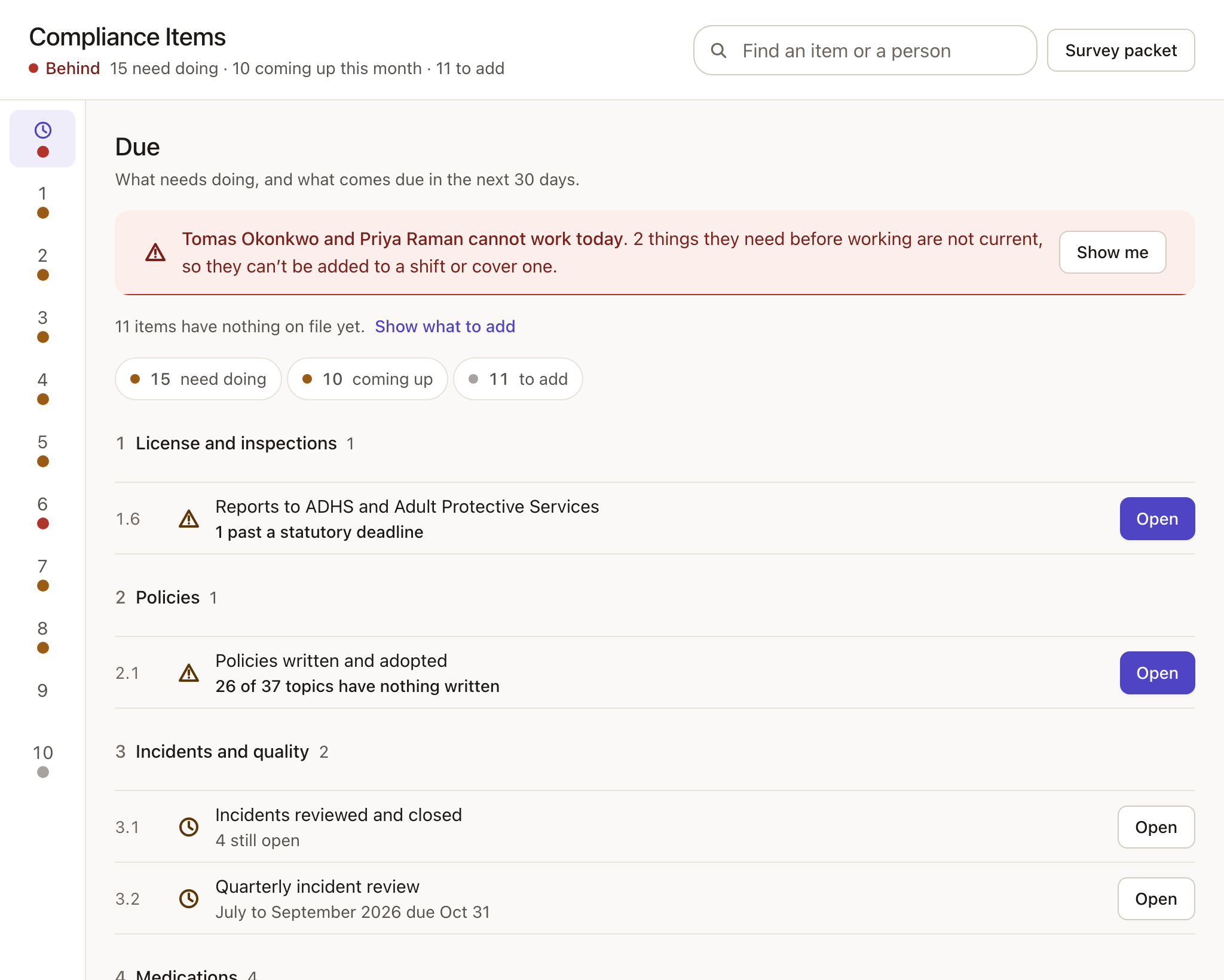
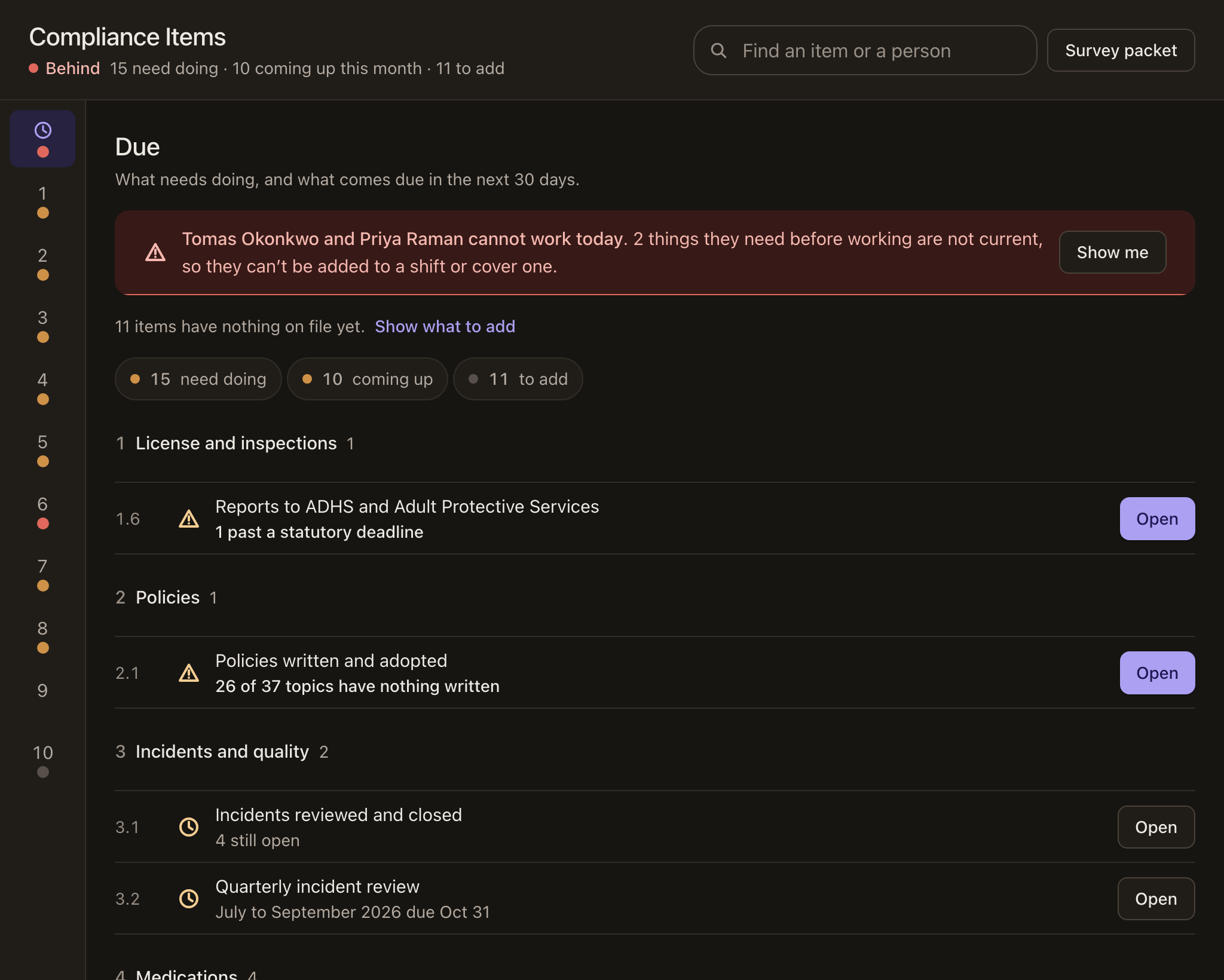
Compliance Items is the home’s compliance binder, kept for you: every log and paper a surveyor asks for, by subject, with what’s due at the front. Fire drills, detector tests, pest control, the infection and complaints logs, and every contracted service with its signed agreement each run on their own clock.
- Every item names its ADHS rule and when it’s next due
- Caught up, Items due or Behind, at the top of the page
- Nothing shows as overdue before you’ve set it up
- One button builds the survey packet, with a cover and contents
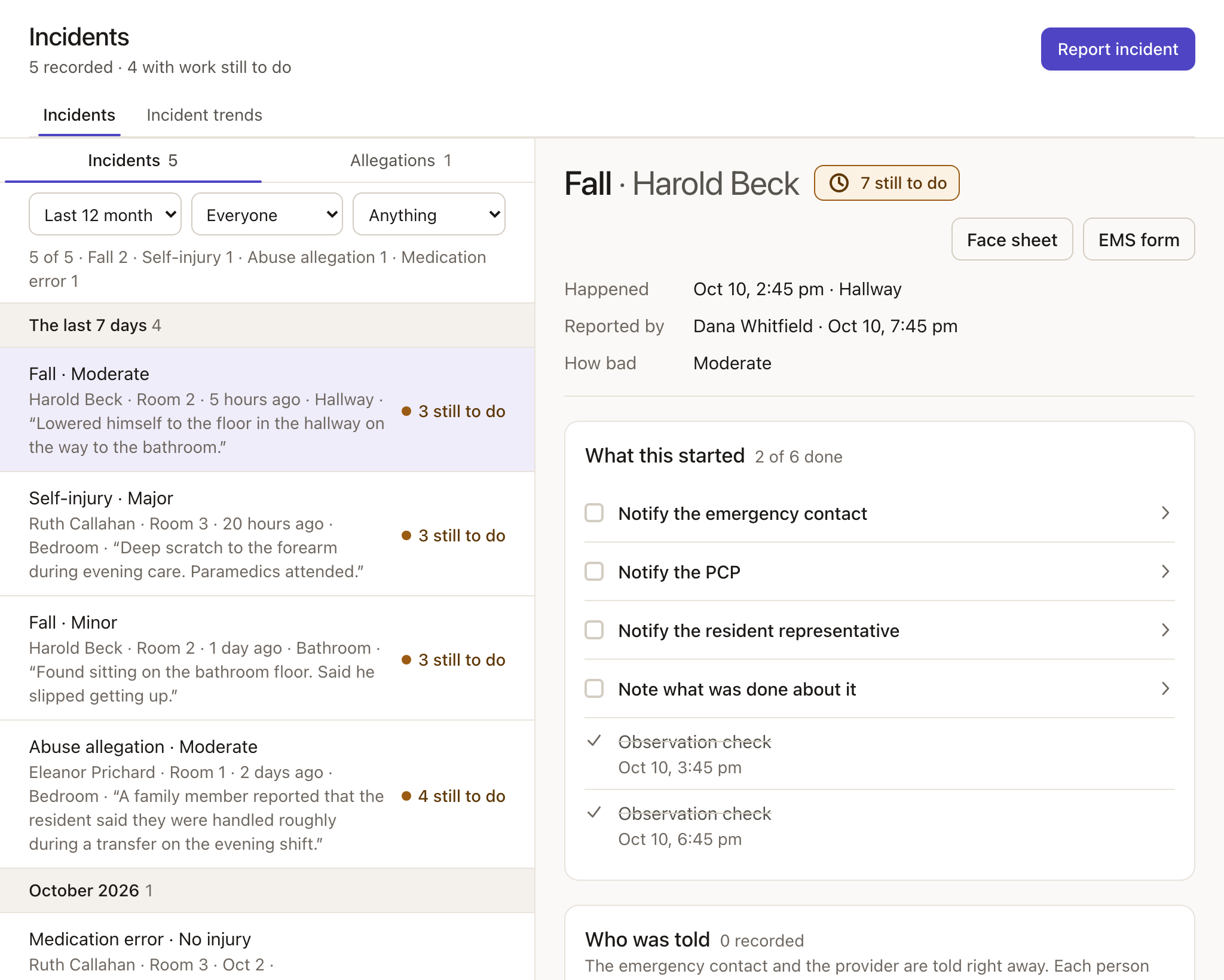
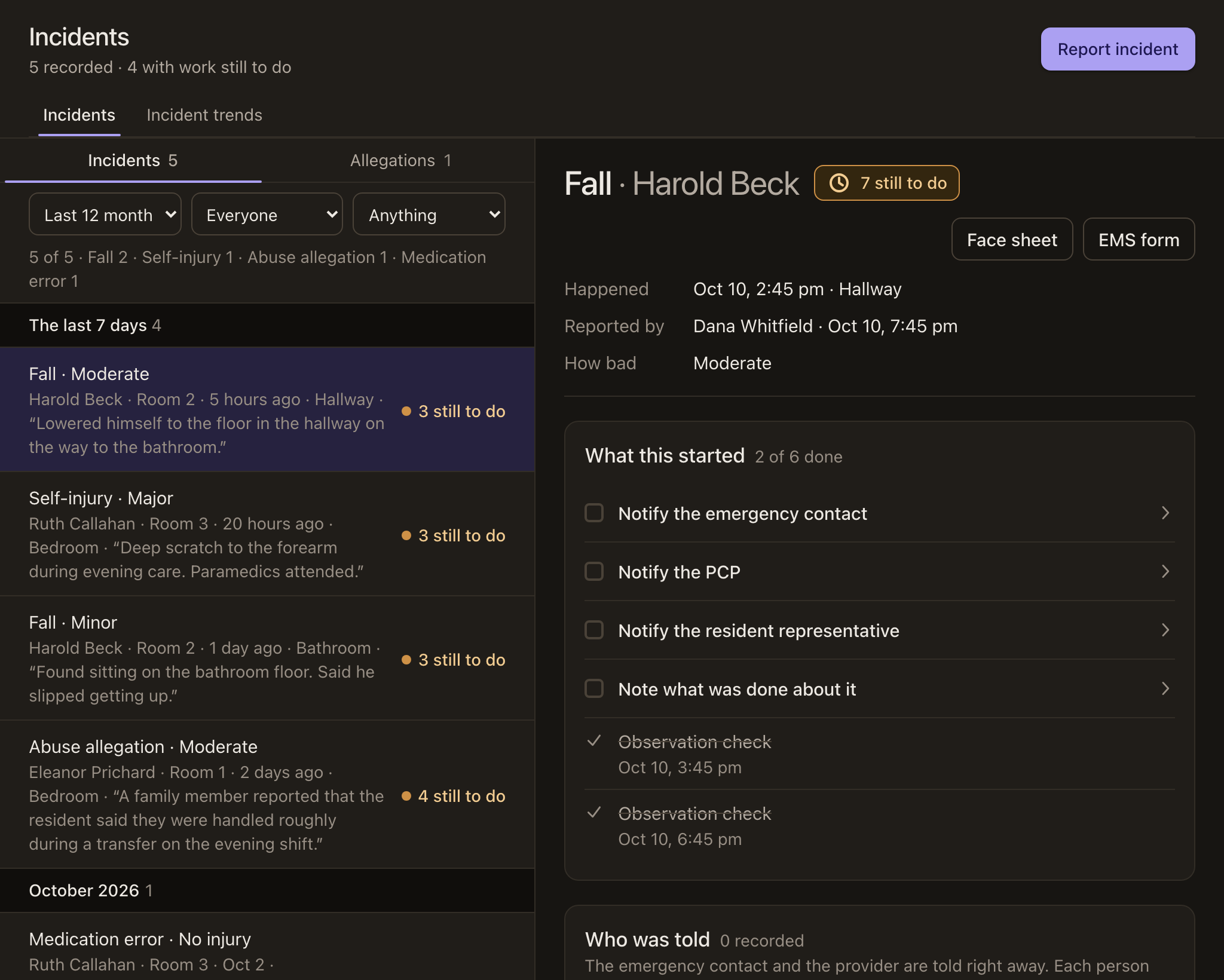
Incidents · R9-10-803
The state’s deadlines are built in, so nobody looks them up.
Falls, self-injury, medication errors and allegations each carry the deadlines Arizona sets. Maeve counts the working days and lists what’s still to do on each report. A 911 call is reported as an incident and fills in the EMS form, and the report says who at the home was told.
- ADHS notices with their due dates, flagged on the shift screen when late
- Follow-up checks after an incident, put on the resident’s day
- Incident trends by week, month and year, reviewed each quarter
Why it matters: a late report to the state is the citation that follows a home. The clock starts with the report, not with somebody remembering.
Policies · R9-10-803(C)
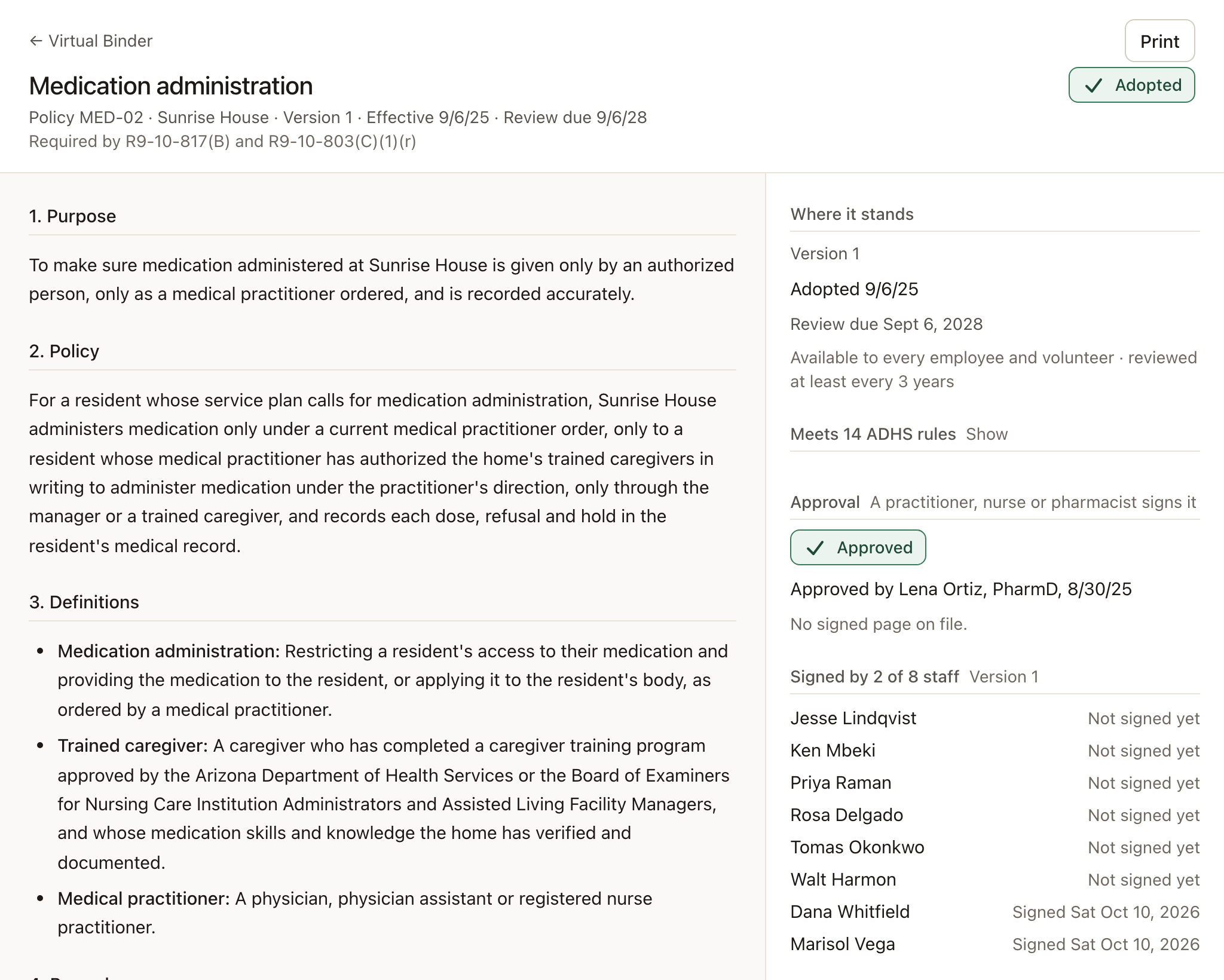
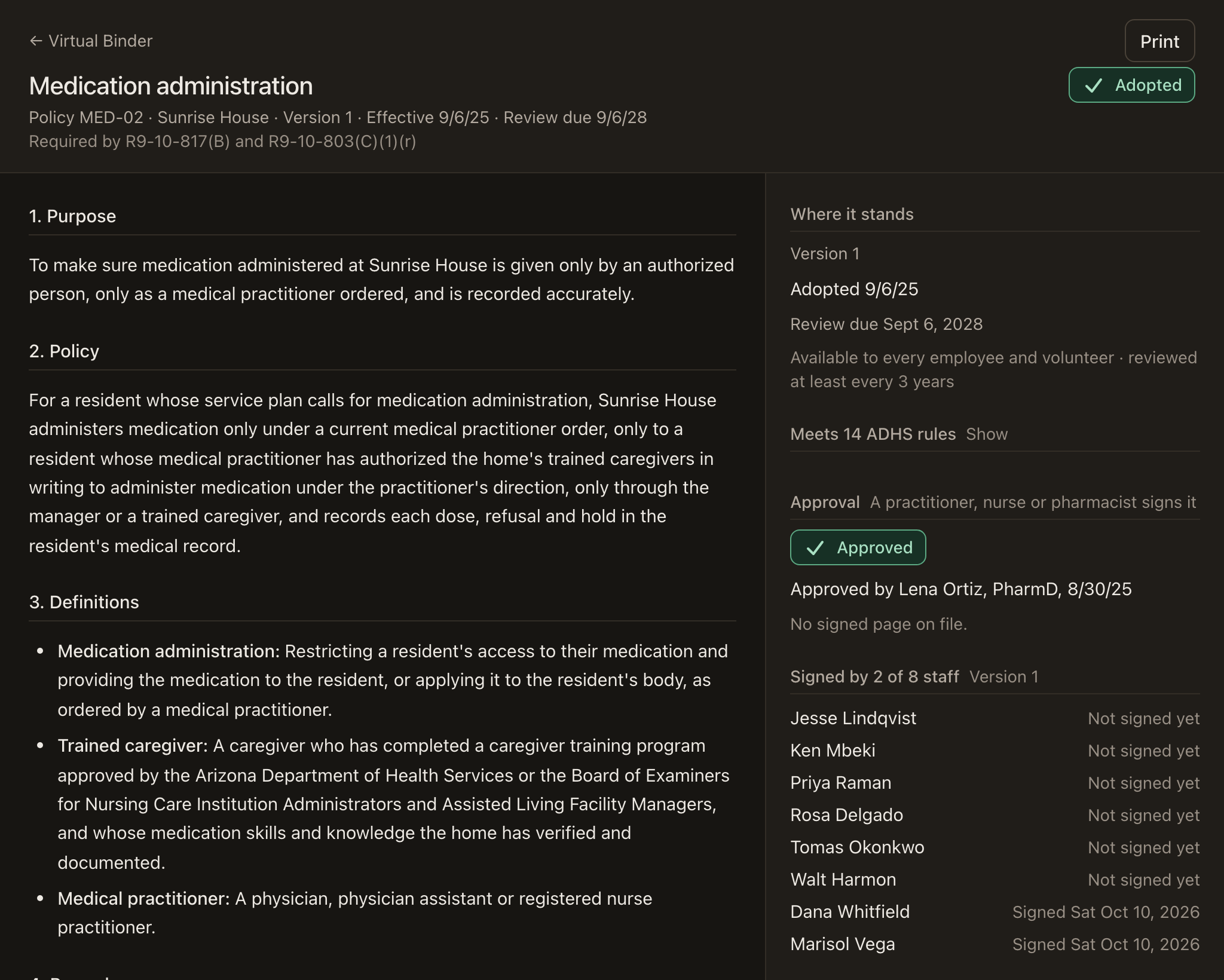
The policy manual, written and kept current.
Upload your paper binder and Maeve matches it to the required topics, or let Maeve write the ones you’re missing with your home’s details in them. Every policy is approved, signed by staff and kept on its review clock.
For caregivers
Built for the caregivers who use it every shift.
Caregivers see what’s due now, who it’s for and what the order says, on the phone in their pocket. At night the screen turns dark by itself, so it doesn’t light up a sleeping resident’s room.
- Their own phone, or a shared tablet with a PIN for each caregiver
- Meds, vitals and ADLs for the whole shift on one board
- A handoff to read coming on, and one to leave going off
Also included
Service plans
Reviewed on the cycle each resident’s care level requires, and within 14 days of a significant change.
Vitals and daily care
Vital signs, activities of daily living and meals, recorded as they happen.
Shift handoff
What the next shift needs to know, in one place at the change of shift.
Face sheets and EMS forms
A resident’s face sheet and the EMS transfer form, ready to print with your logo.
Menus and activities
A monthly calendar that prints for the wall, or a week at a time.
Team meetings
The next meeting first, with the past ones beside it.
Several homes, one account
Run more than one home, with staff who work across them.
Light by day, dark at night
The screen follows the sun over Arizona, or the setting each person picks.
Export everything
Every record, document and the audit trail as one file, any time.
Start with the paper you have.
Take a picture of each MAR, face sheet and staff card with your phone, and Maeve reads them into your records. You check every line before you switch over. If you’d rather hand off the data entry, Maeve support will do it for you during setup.
- Support 7 am to 7 pm, Arizona time
- A business associate agreement with every account
- Month to month, no contract