Virtual Binder · Policies and procedures
Your policy manual, written for you.
ADHS expects a written policy for every required topic, and writing them is the job most homes pay a consultant for. Tell Maeve about your home once, and it drafts every policy you’re missing with your home’s name, license and staff already in them. Opening a new home? Start with every policy drafted instead of a blank binder.
- 37 policies
- drafted in one pass
- Included
- in the monthly price
- Word or PDF
- export the whole binder
Step 1 · Where you stand
See every required policy, and which ones you have.
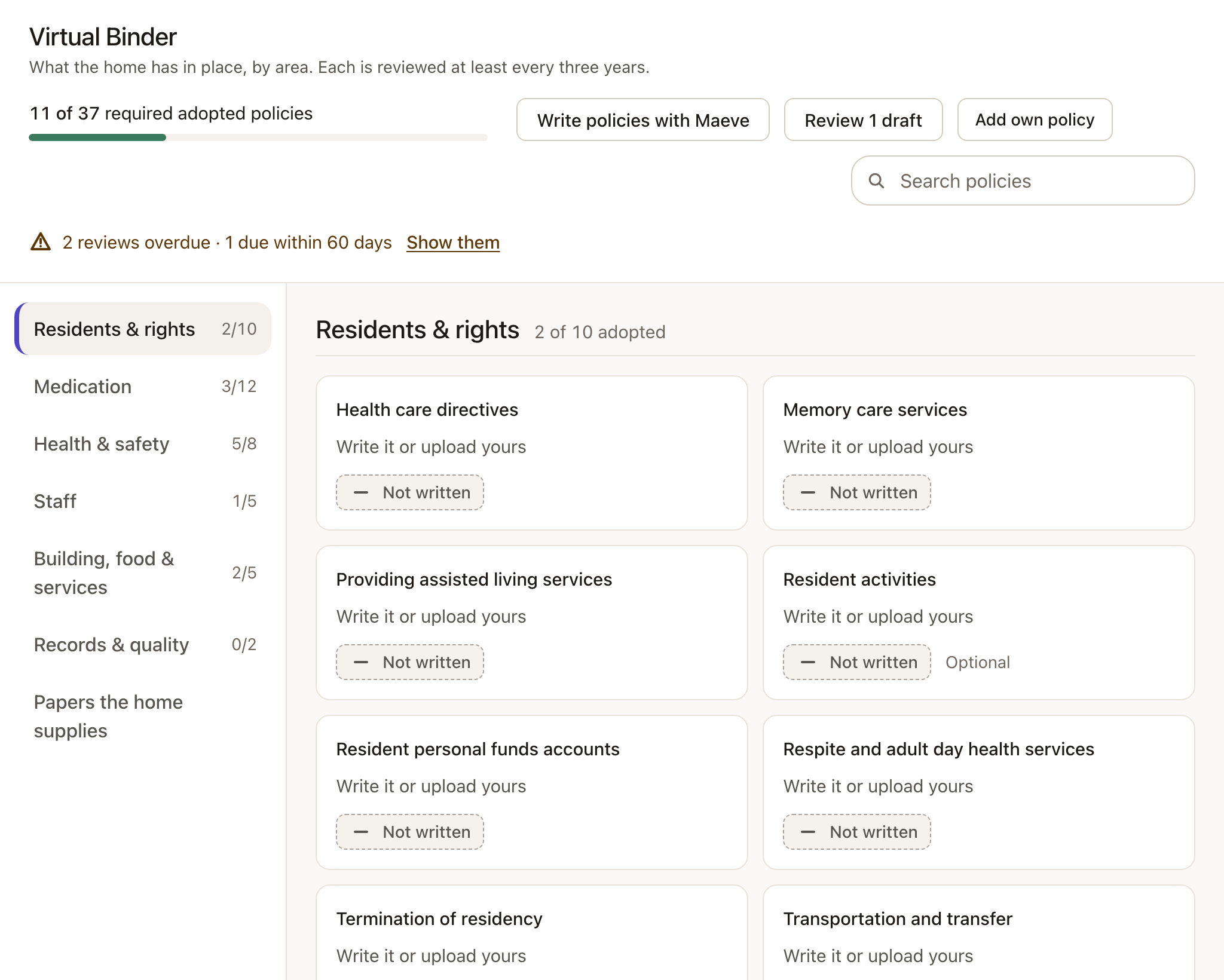
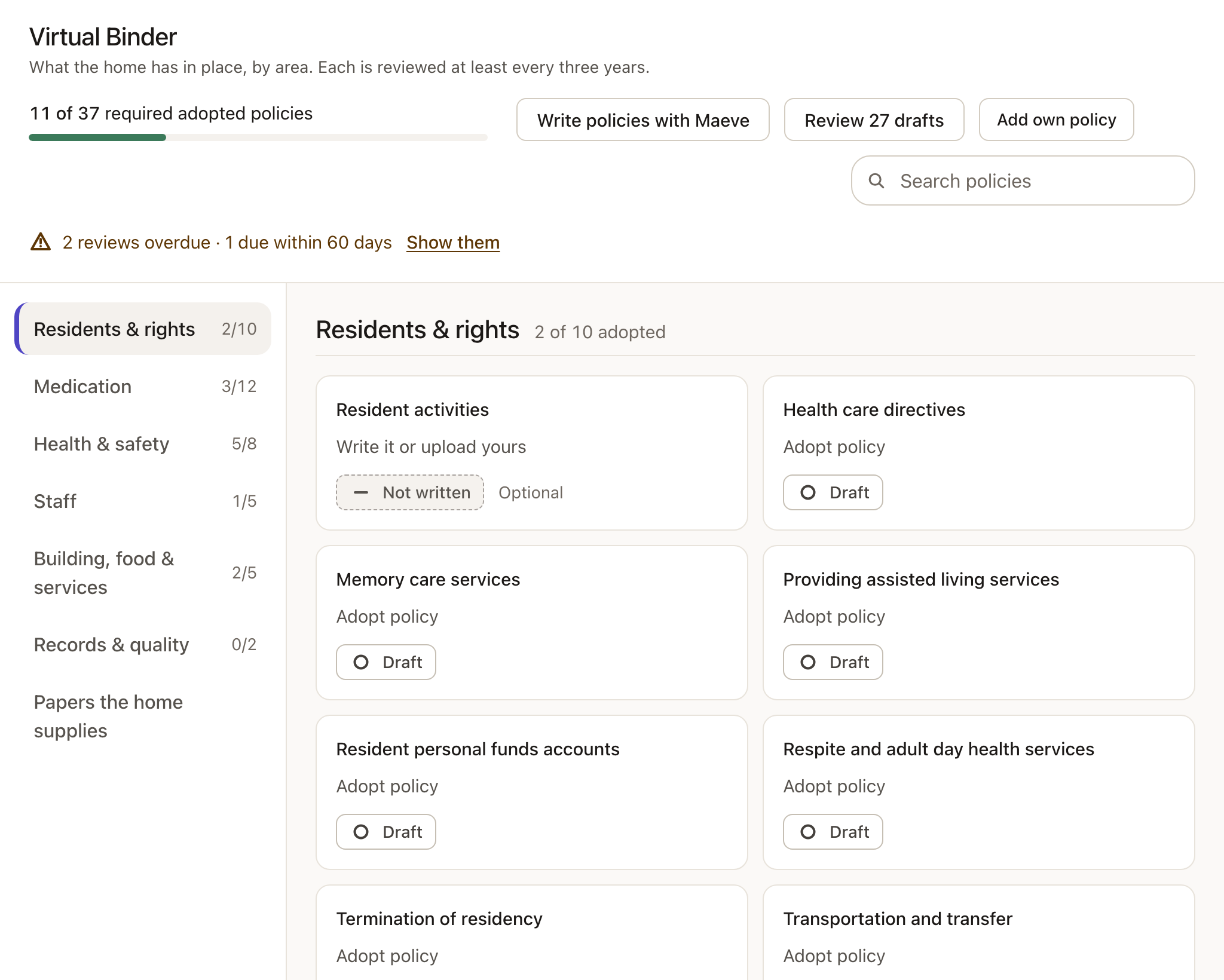
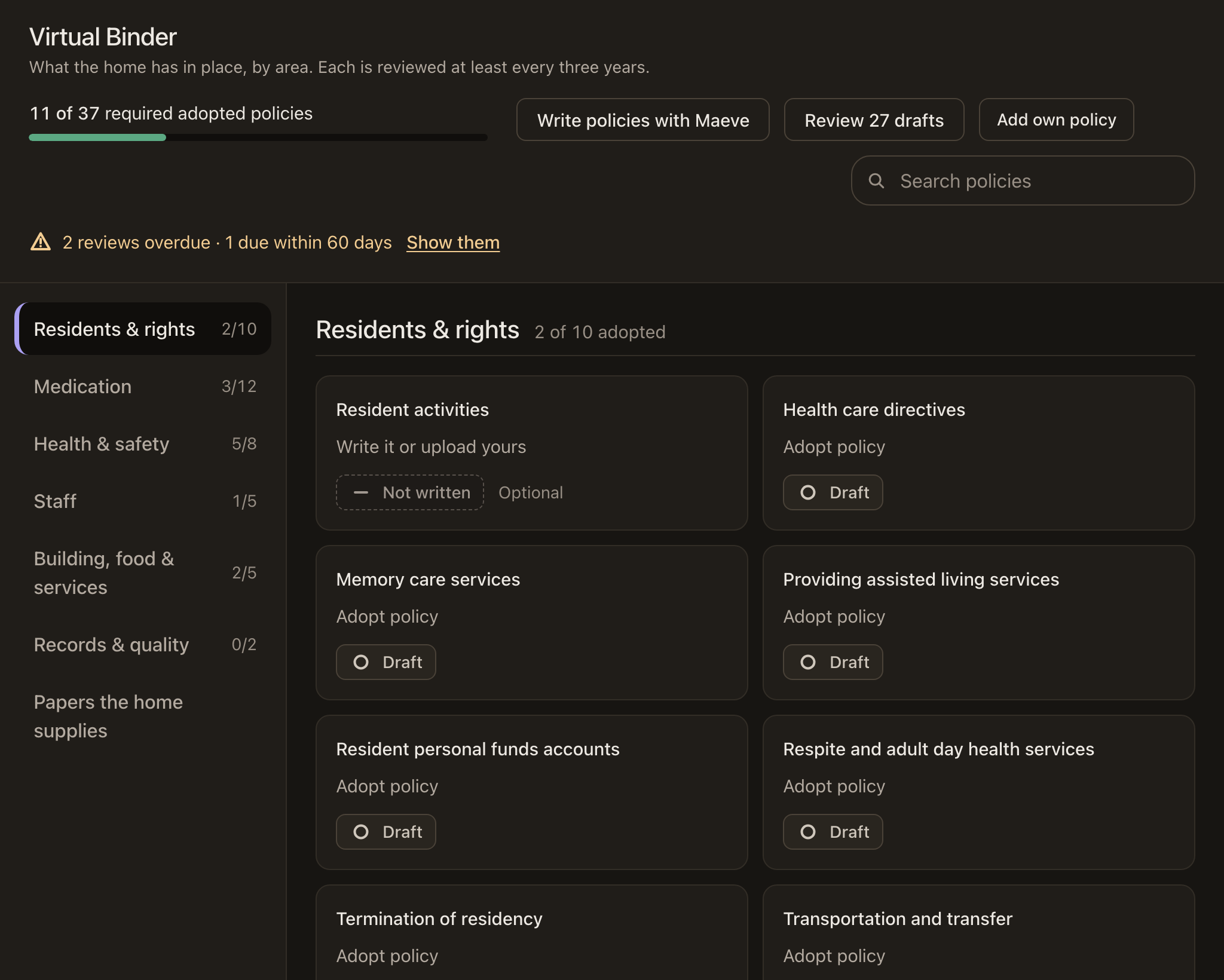
The Virtual Binder lays the manual out the way ADHS reads it: six areas, every required topic, and your own topics beside them. Each one shows whether it’s in force, a draft, due for review or not written yet.
- Upload your paper binder and Maeve splits it into policies and matches each to its topic
- Found, unsure, missing and your own, sorted for you to confirm
- Reviews due and overdue, counted at the top
Step 2 · Write what’s missing
Maeve writes the ones you don’t have.
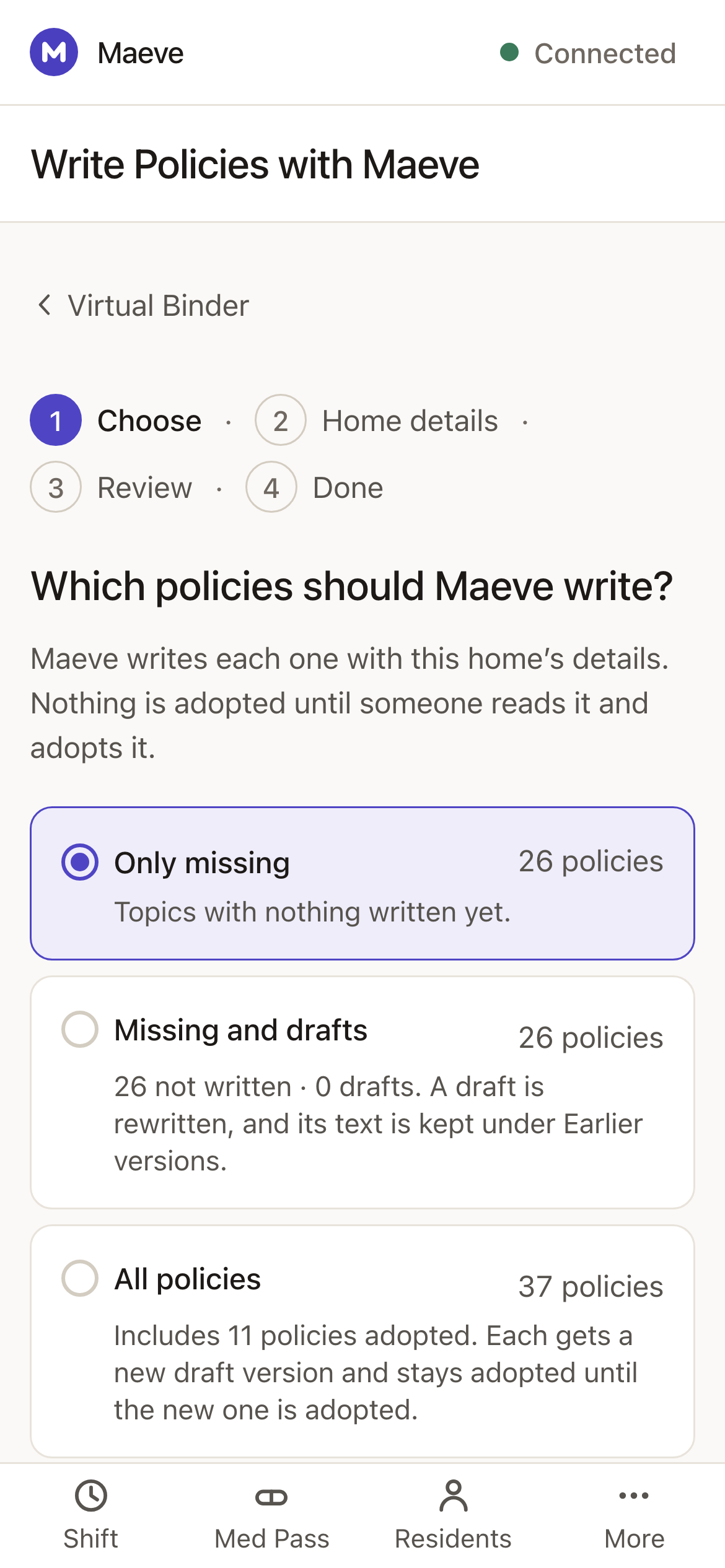
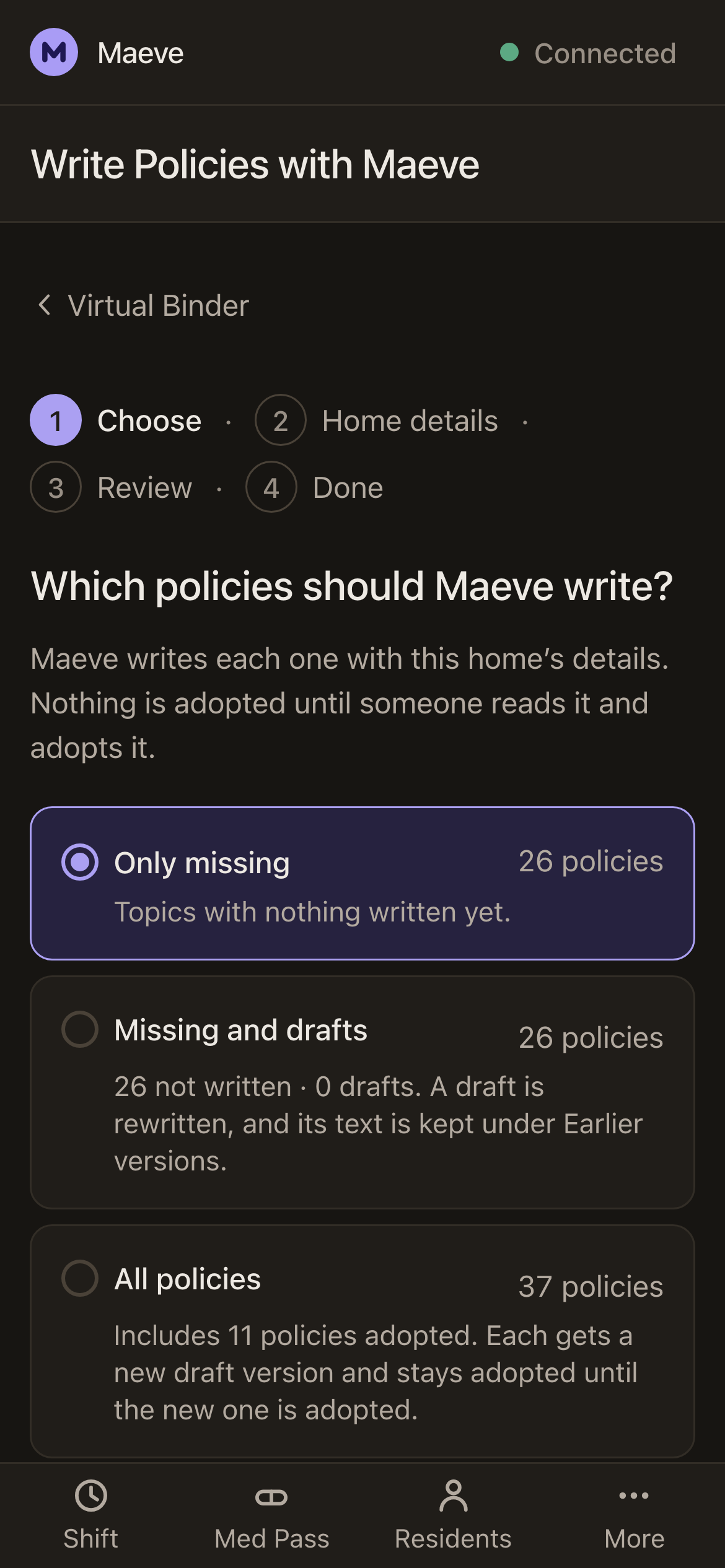
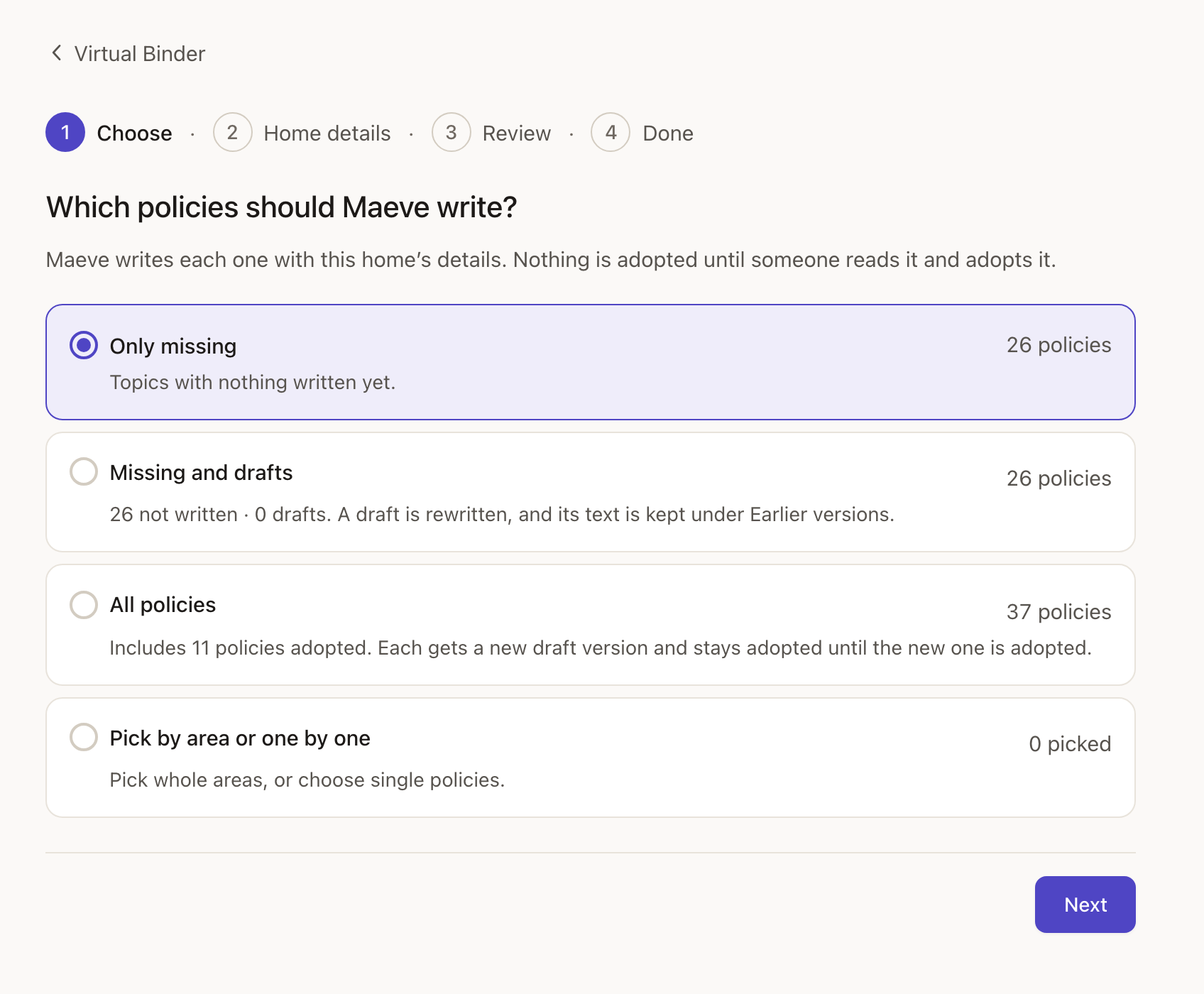
Choose what Maeve writes: only the missing policies, the missing ones plus your drafts, all of them, or a few picked by hand. Maeve checks your home’s details first, because they go into every policy: the name, the license number, the care levels you offer and who the manager is.
- Written from Arizona’s rules, with your home in them rather than a blank to fill
- A new draft never replaces a policy in force until you say so
- Rewriting a draft keeps its earlier text under earlier versions
Step 3 · Nothing goes in force on its own
You read it, then you put it in force.
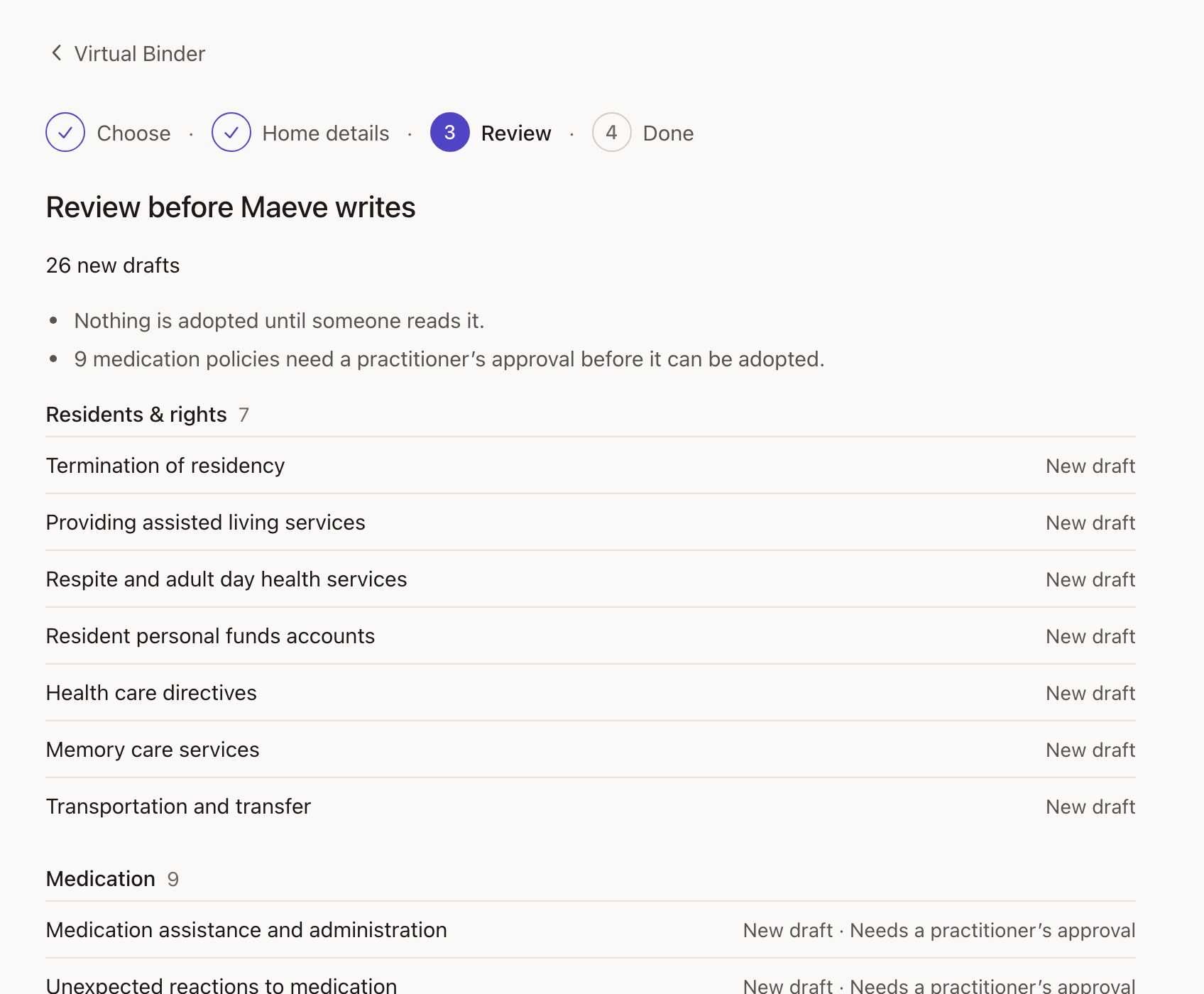
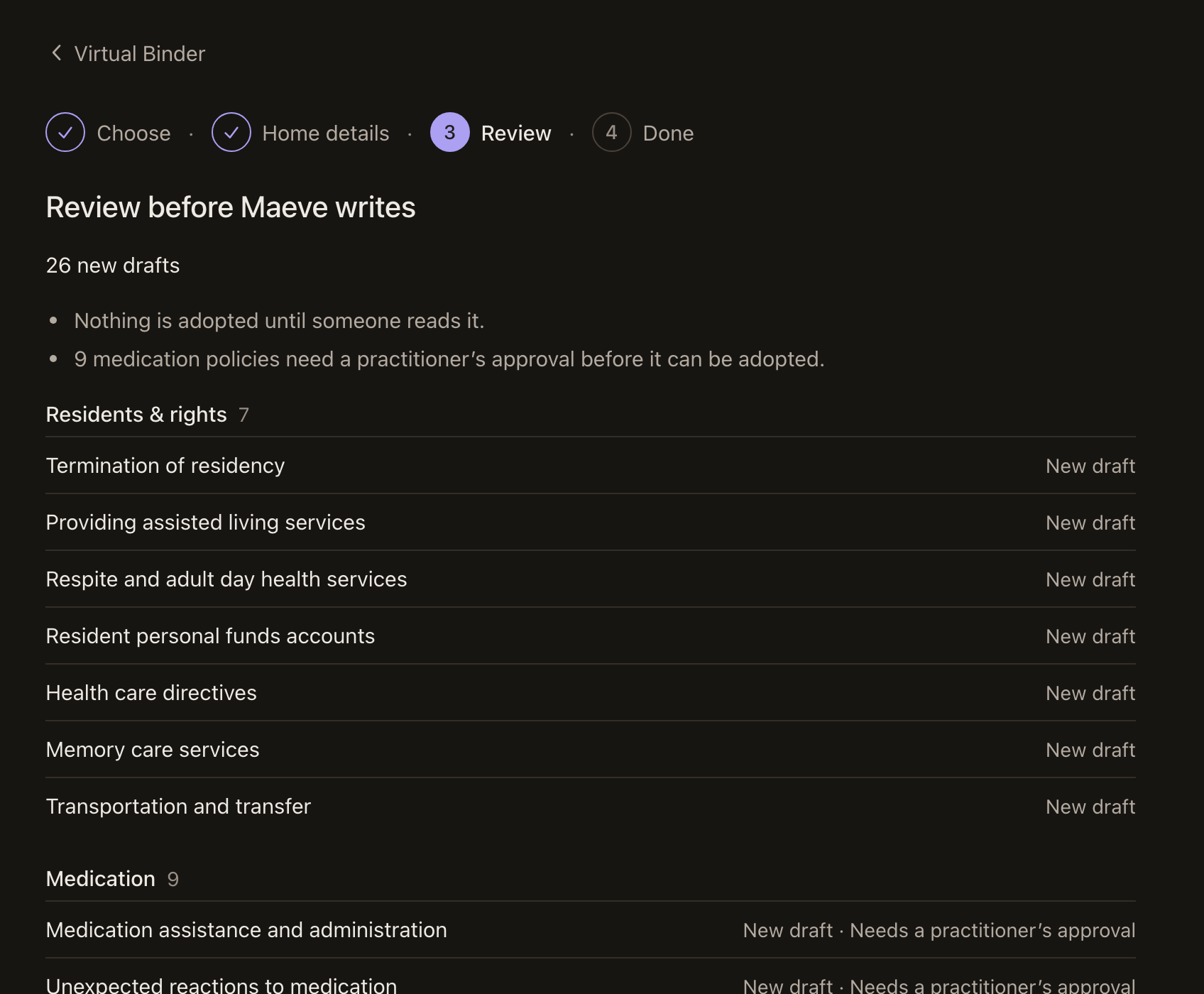
Maeve shows what it will write before it writes anything. Medication policies need a practitioner, nurse or pharmacist to approve them, and Maeve won’t put one in force without that approval.
- Every new draft listed by area before it’s written
- The medication policies that need an approver, marked
- Your own policies kept alongside, named the way you named them
Step 4 · Kept current
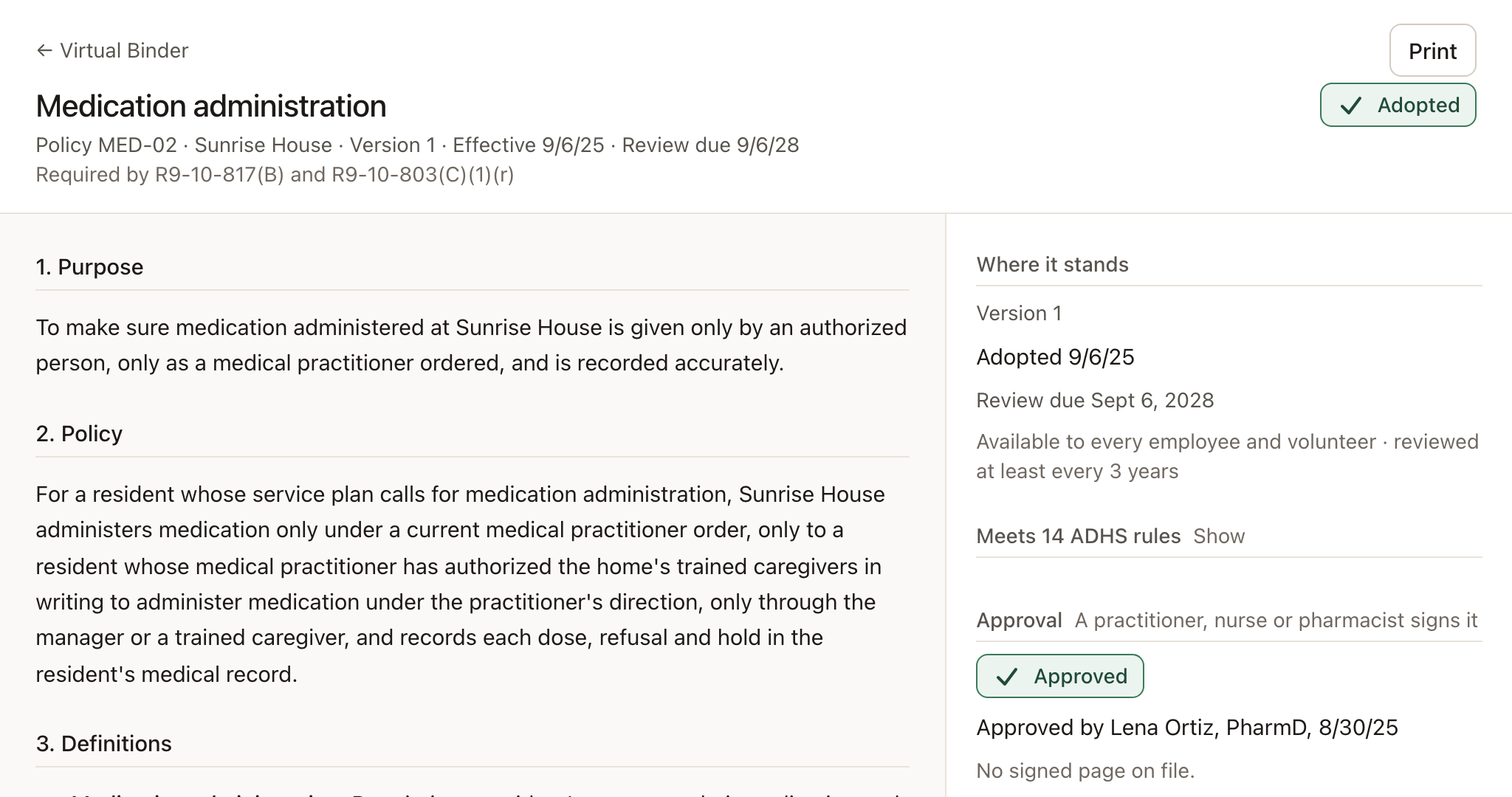
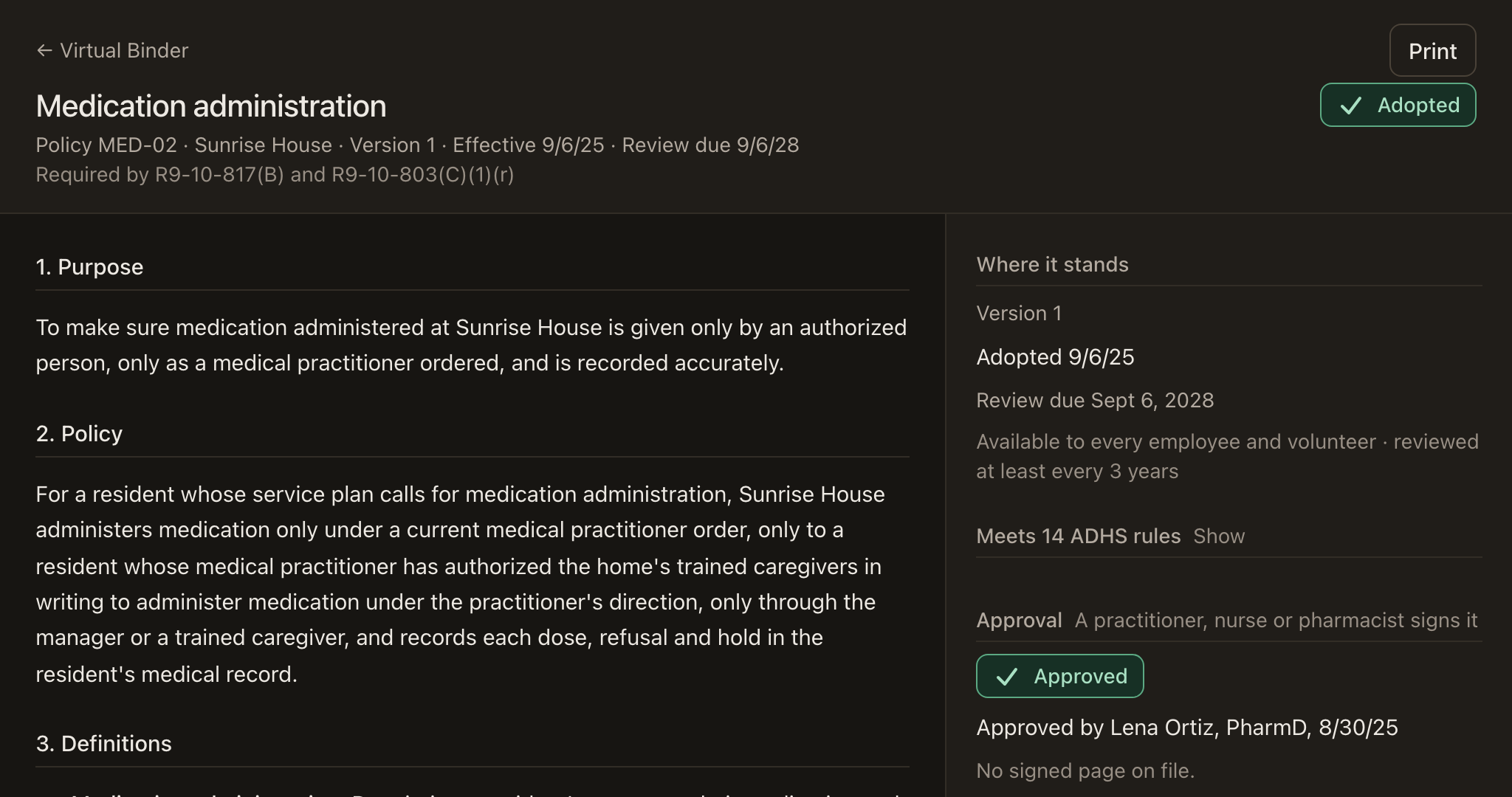
Approved, signed by staff, and on a review clock.
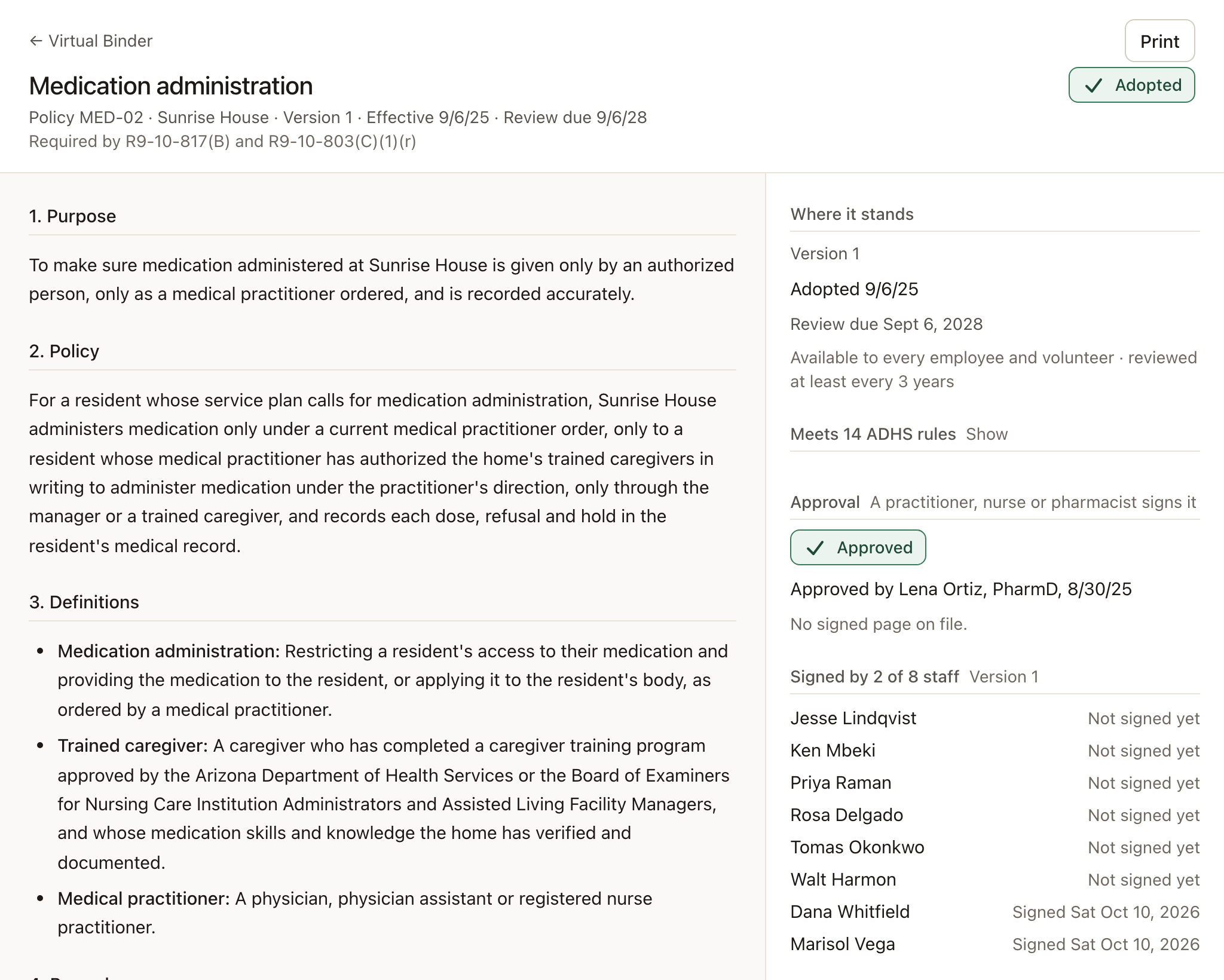
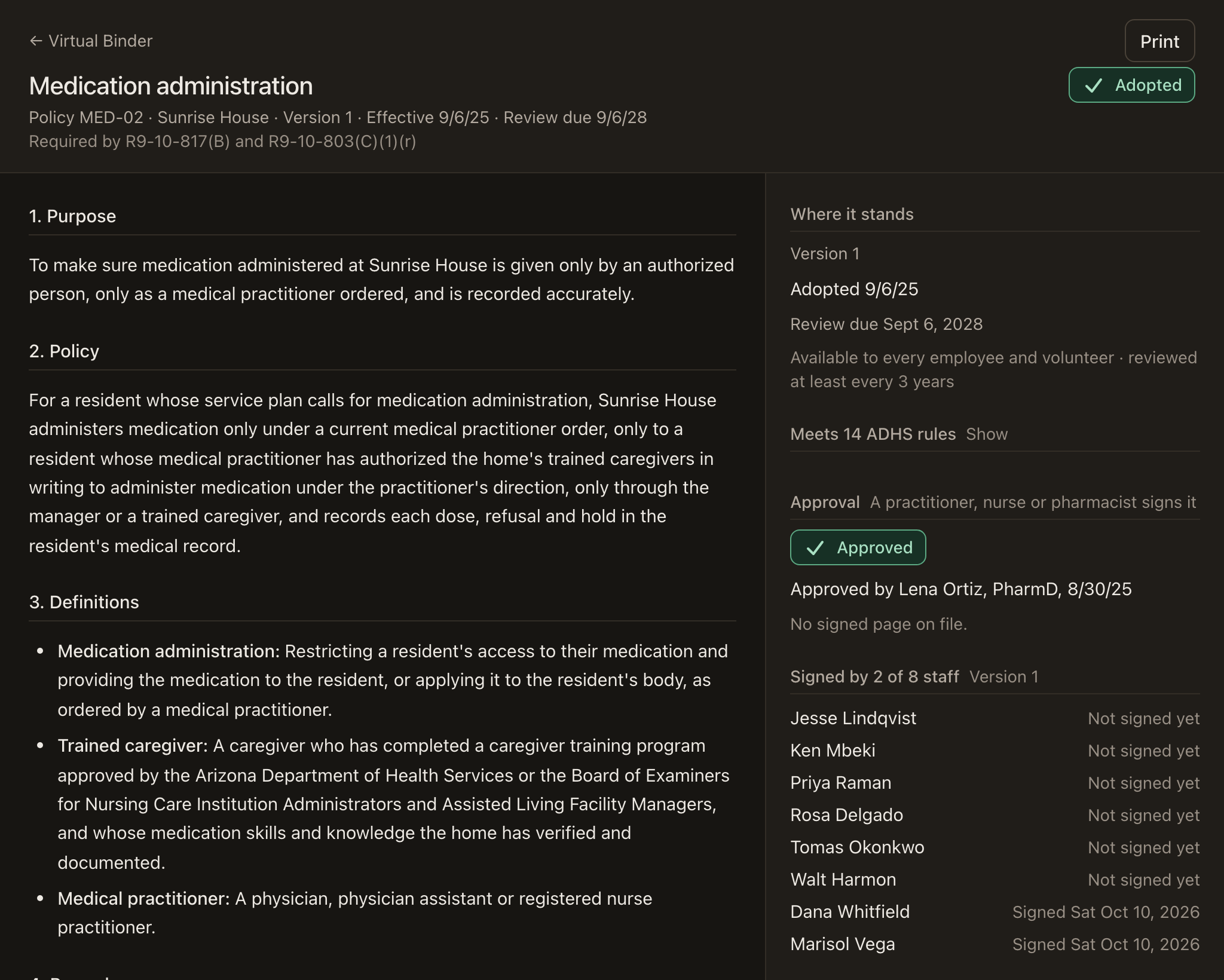
Each policy shows who approved it, which of your staff have signed it, and when it’s due for review. Every version is kept, and the history is built from the record rather than typed in.
- The ADHS rules each policy meets, listed on the policy
- Staff sign in the app, and you see who hasn’t
- Print one policy, or export the whole binder to Word or PDF
One step
Twenty-six policies, written in one pass.
The same demo home before and after Write with Maeve. Each new policy is a draft until someone reads it and puts it in force.
Before
After
Your manual, written this week.
Tell us about your home. Write with Maeve is there from the day you sign up, included in the $99.
- Support 7 am to 7 pm, Arizona time
- A business associate agreement with every account
- Month to month, no contract